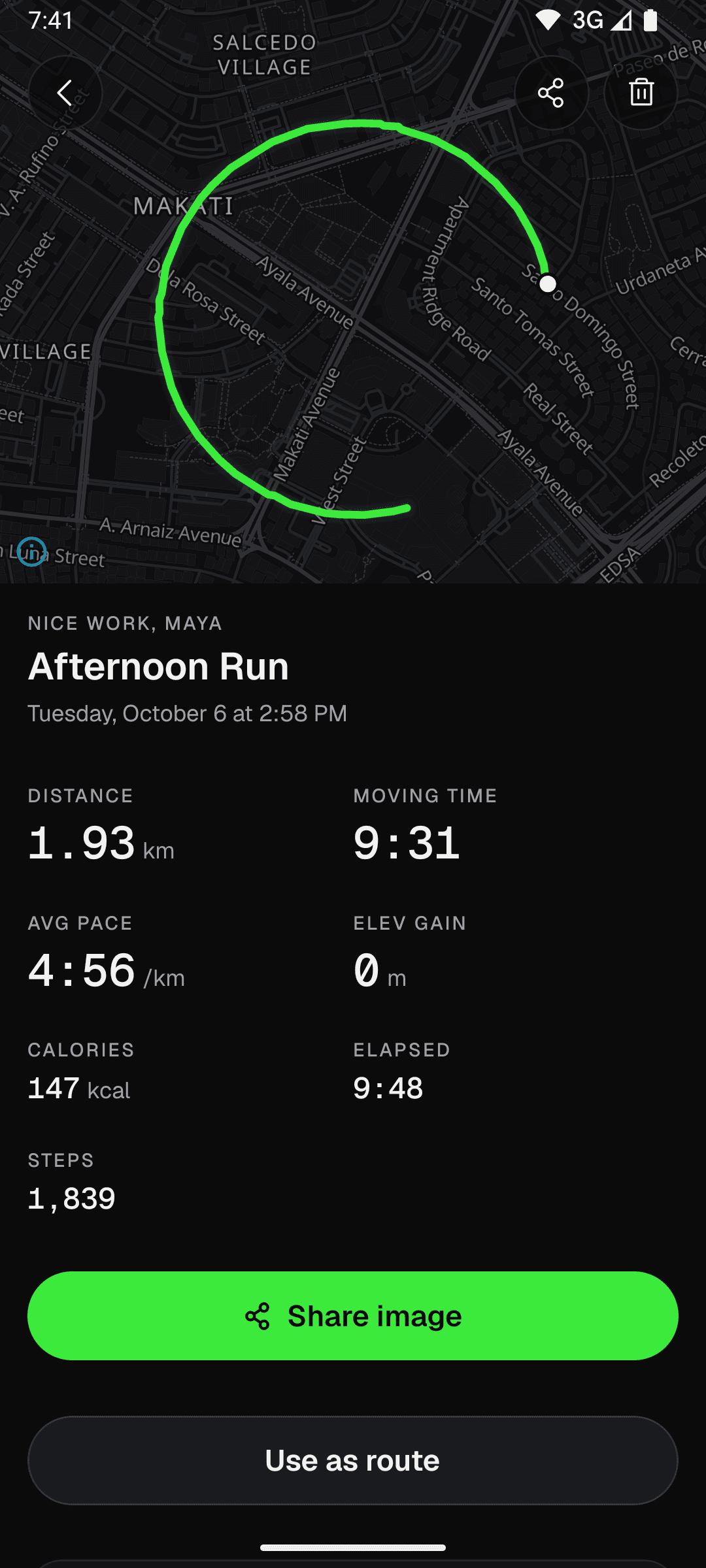
Every run, measured
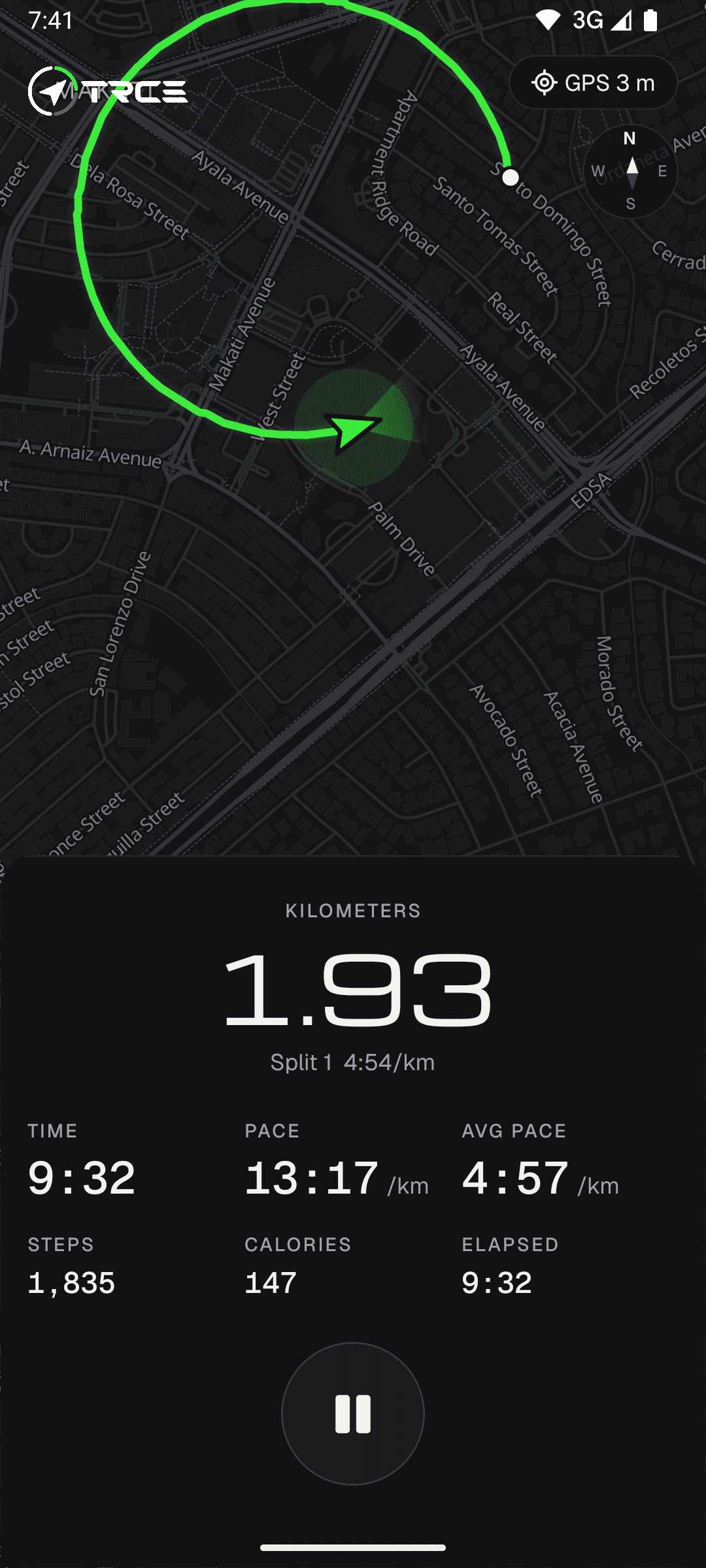
Recording keeps going in the background with the screen off. TRCE pauses when you stop and logs your splits as you go.
- Auto-pause
- Splits
- Elevation gain
- Calories
Run and walk tracking for Android. GPS, maps and route planning work offline, and every run stays on your phone.
How it works
Recording keeps going in the background with the screen off. TRCE pauses when you stop and logs your splits as you go.
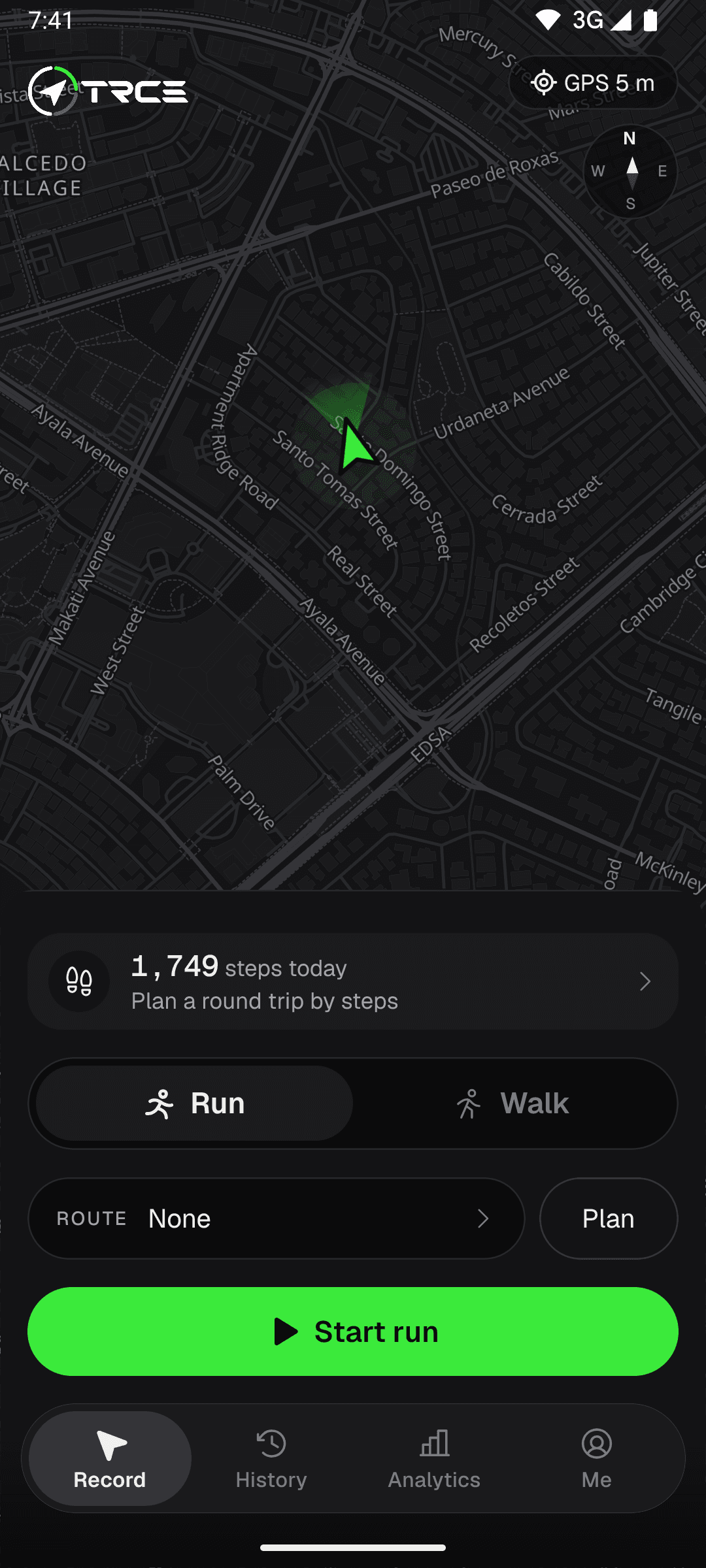
Tap Download this province over the map. Streets and walkable paths save to your phone, so the map and routing keep working with no signal.
Manage saved areas under Me, Offline areas.
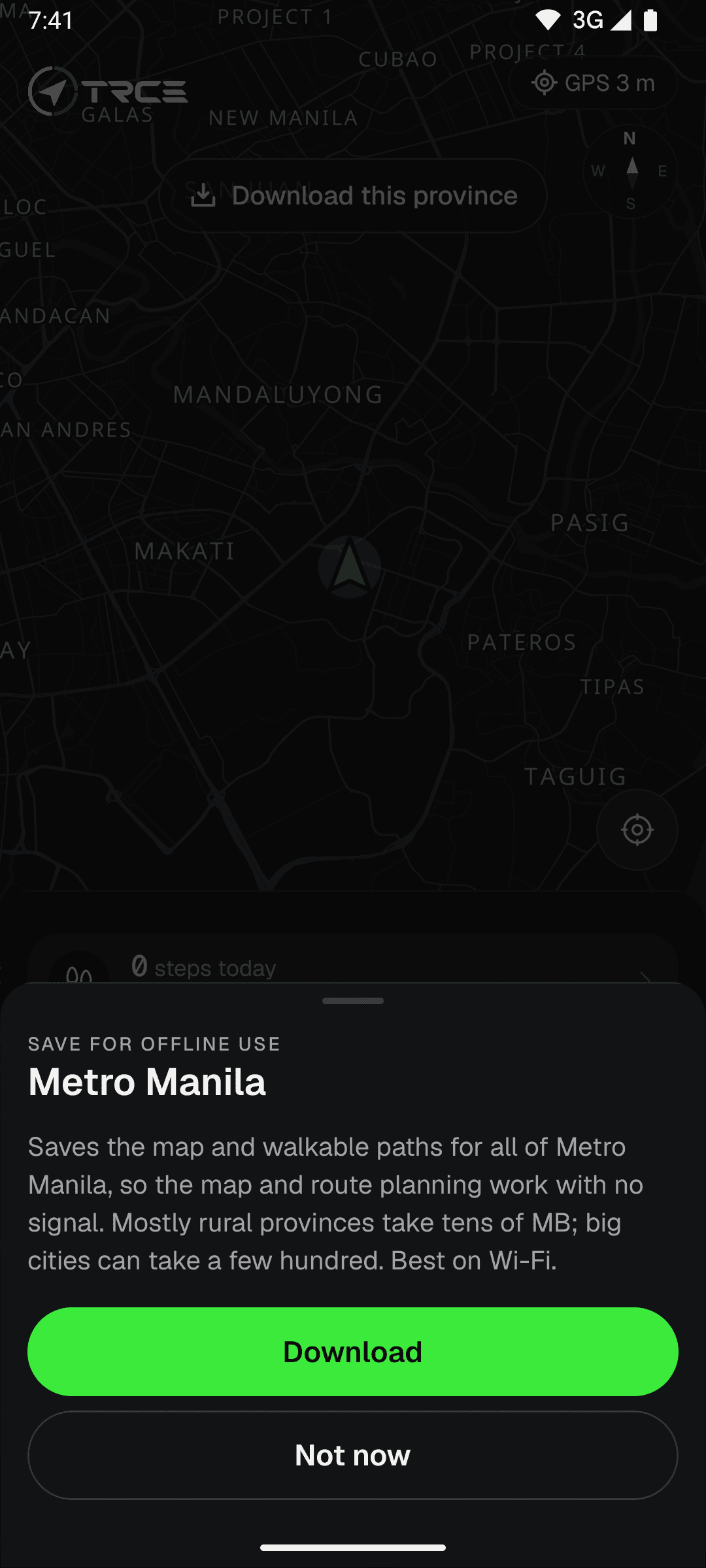
The router runs on your device, using the map you saved. Pick a shape and a distance, and TRCE fits it to the streets around you.
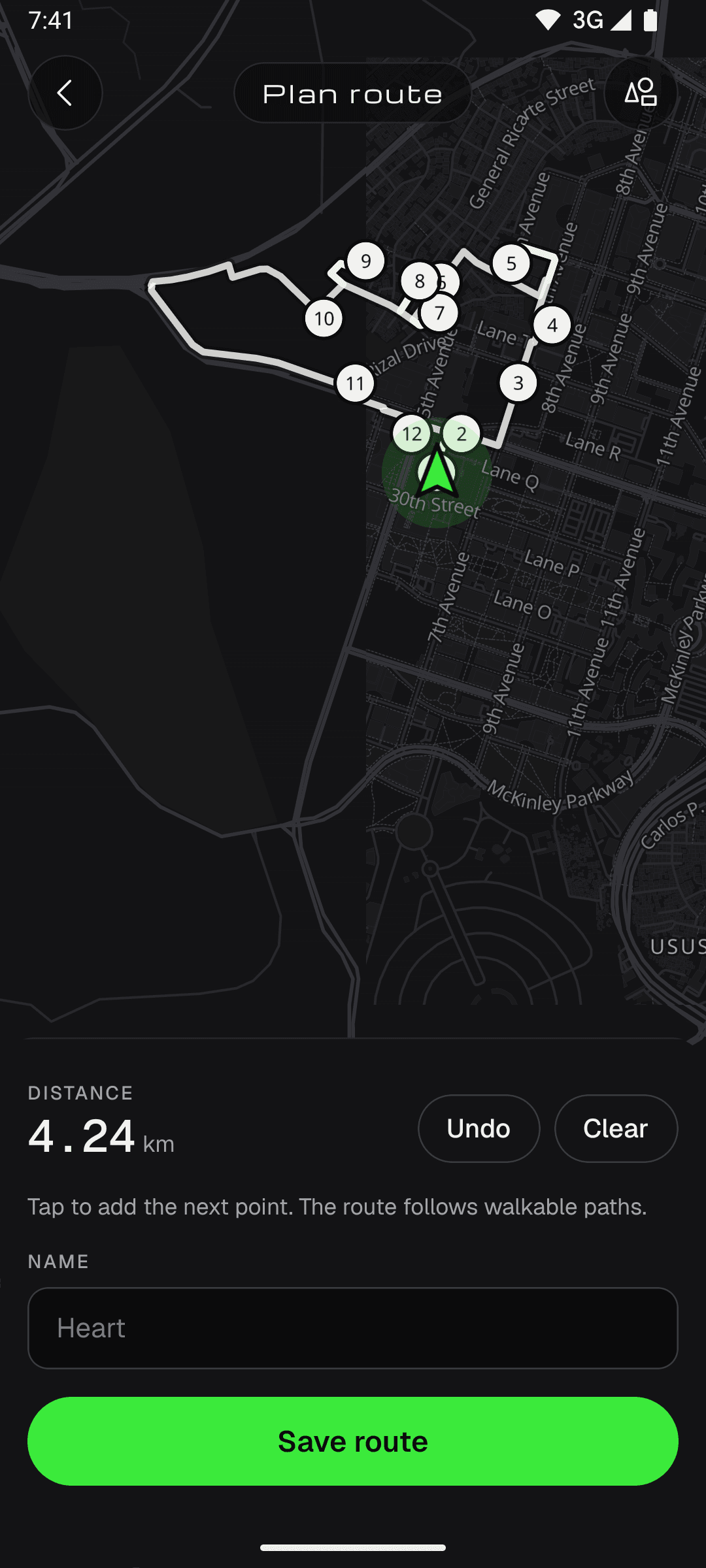
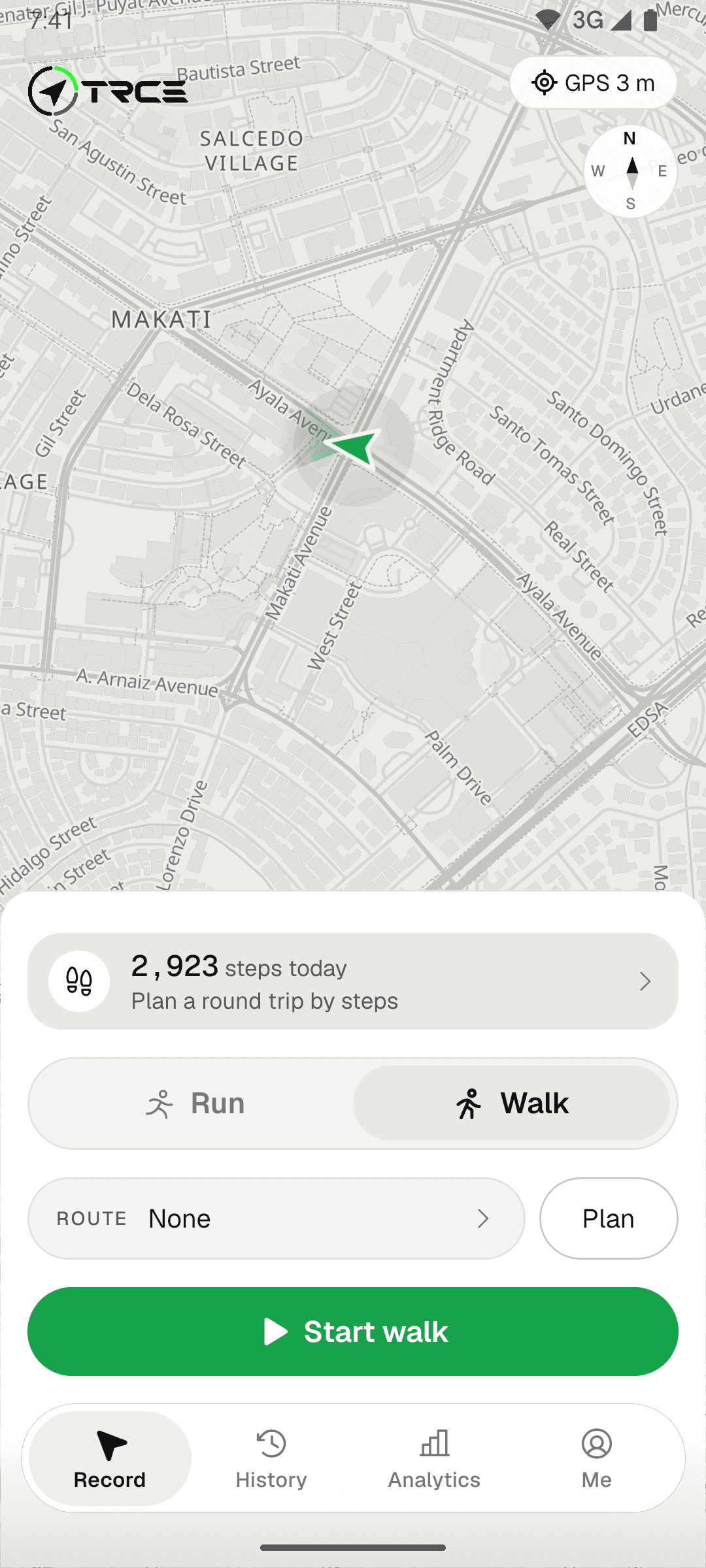
The location puck carries a beam from the compass, then follows your GPS course once you move. Rotate the map with two fingers.
Steps count all day. Set a goal, watch the ring fill, or plan a round trip that covers what is left.
Every activity, split and personal record is kept on your phone. When a run is worth showing, make an image of it.
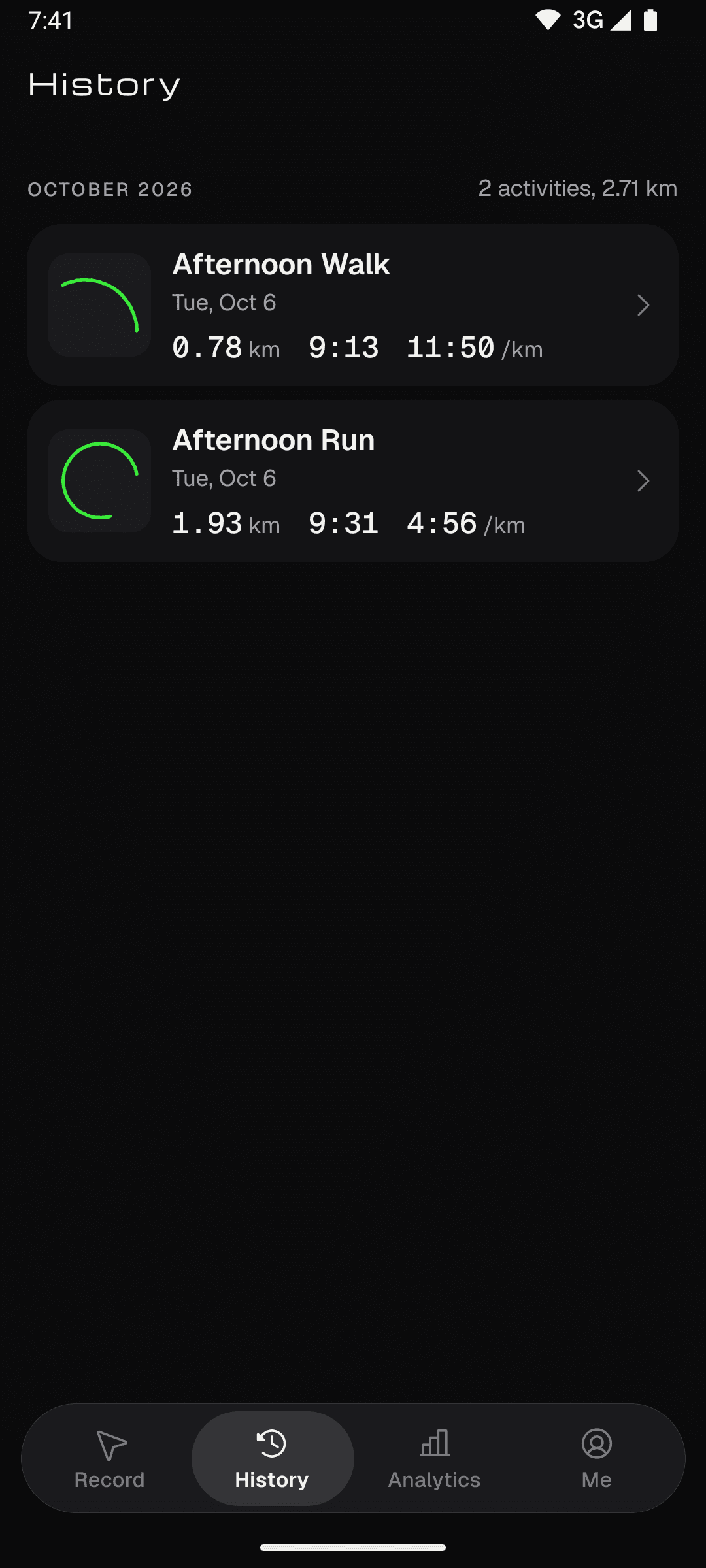
Every run and walk in one list, newest first.
TRCE has no servers to send your runs to. Routes, history, records and your profile are stored on the phone that recorded them, and nowhere else.
Open the app and start recording. There is no account to make and no email to hand over.
Activities and routes live in a database on your phone. There is no backend for them to go to.
Download your province once. After that the map and route planning work with no signal.
Reset data, under Me > Data and privacy, deletes every activity, record, saved map and your profile.


Your profile is a character you pick, not a photo or an email address.
Pick System, Light or Dark, and Kilometers or Miles, under Me > Preferences. Distances, paces and records switch with it.
Only to save a map. GPS recording works with no signal. Download your province once, ideally on Wi-Fi, and after that the map and route planning work offline too. Without a download, the map shows the tiles your phone has already seen.
No. There is no sign-up, no login and no email. Open the app, pick Run or Walk and start recording.
On your phone, in the app's own storage. TRCE has no backend, so your activities are never uploaded. That also means there is no cloud backup: uninstalling the app or using Reset data removes them.
It depends on how many roads it has. Mostly rural provinces take tens of MB, while big cities can take a few hundred, so Wi-Fi is best. Saved areas are listed under Me > Offline areas, where you can delete them.
Not yet. TRCE is built for Android first.
GPS is only on while you record. During an activity TRCE runs as an Android foreground service, with a notification, so tracking keeps going with the screen off. When you finish, location tracking stops.
Android. Free of accounts. Download your province, plan a route and go.
Download TRCE